 Sebastian
A to-do list with a butler.
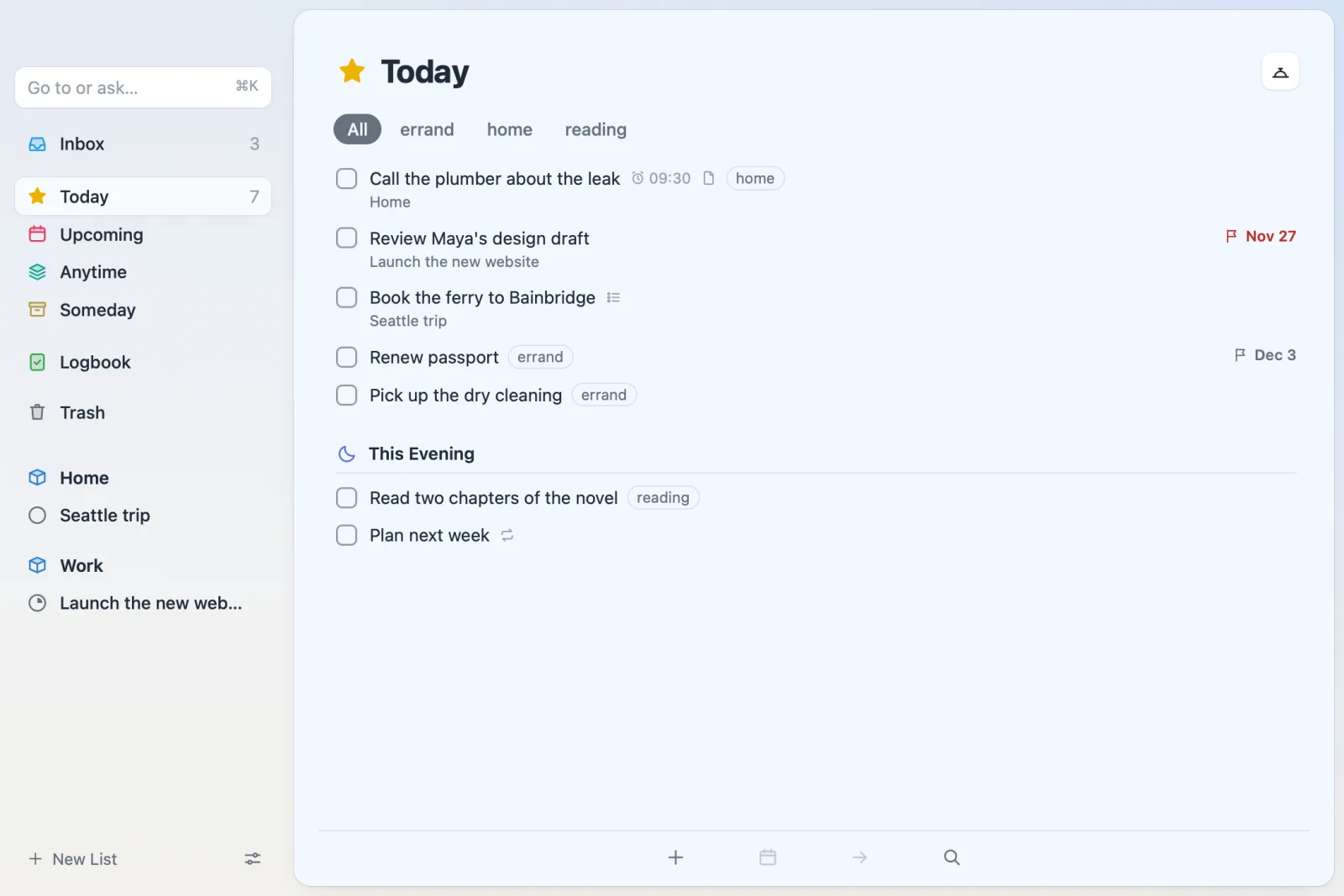
Inbox, Today, Upcoming, projects and areas, kept as Markdown files in a folder of yours. Sebastian, the model of your choosing, reads them and puts them in order when you ask.
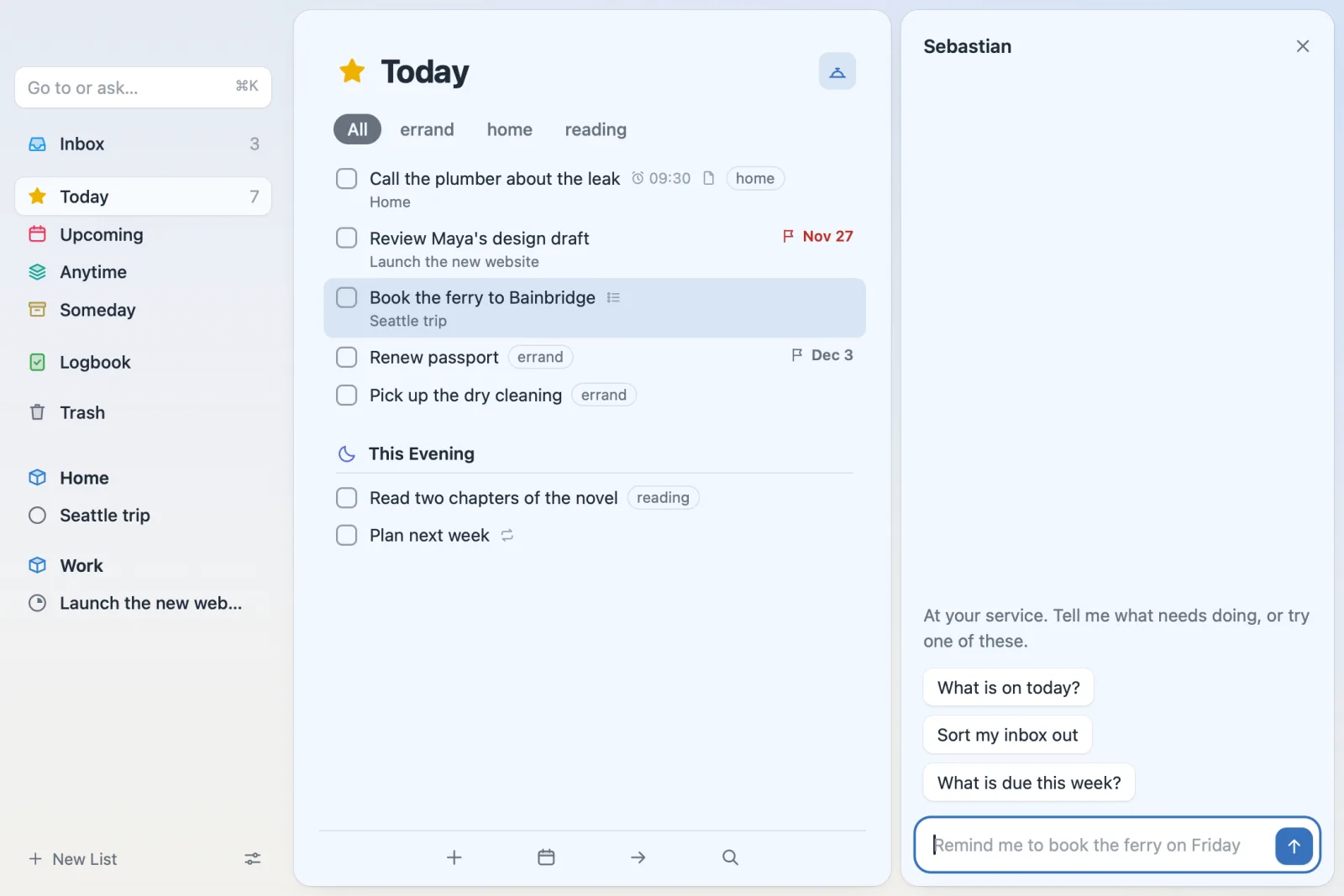
At your service
Ask, and it is done.
Press ⌘J, or ⌘K and type a question. Sebastian adds, moves, schedules and completes to-dos for you, and what came of it is in the lists. A conversation is for one errand: close it, and it is over.
Sort my inbox out.
Remind me to book the ferry on Friday.
What is due this week?
Your files
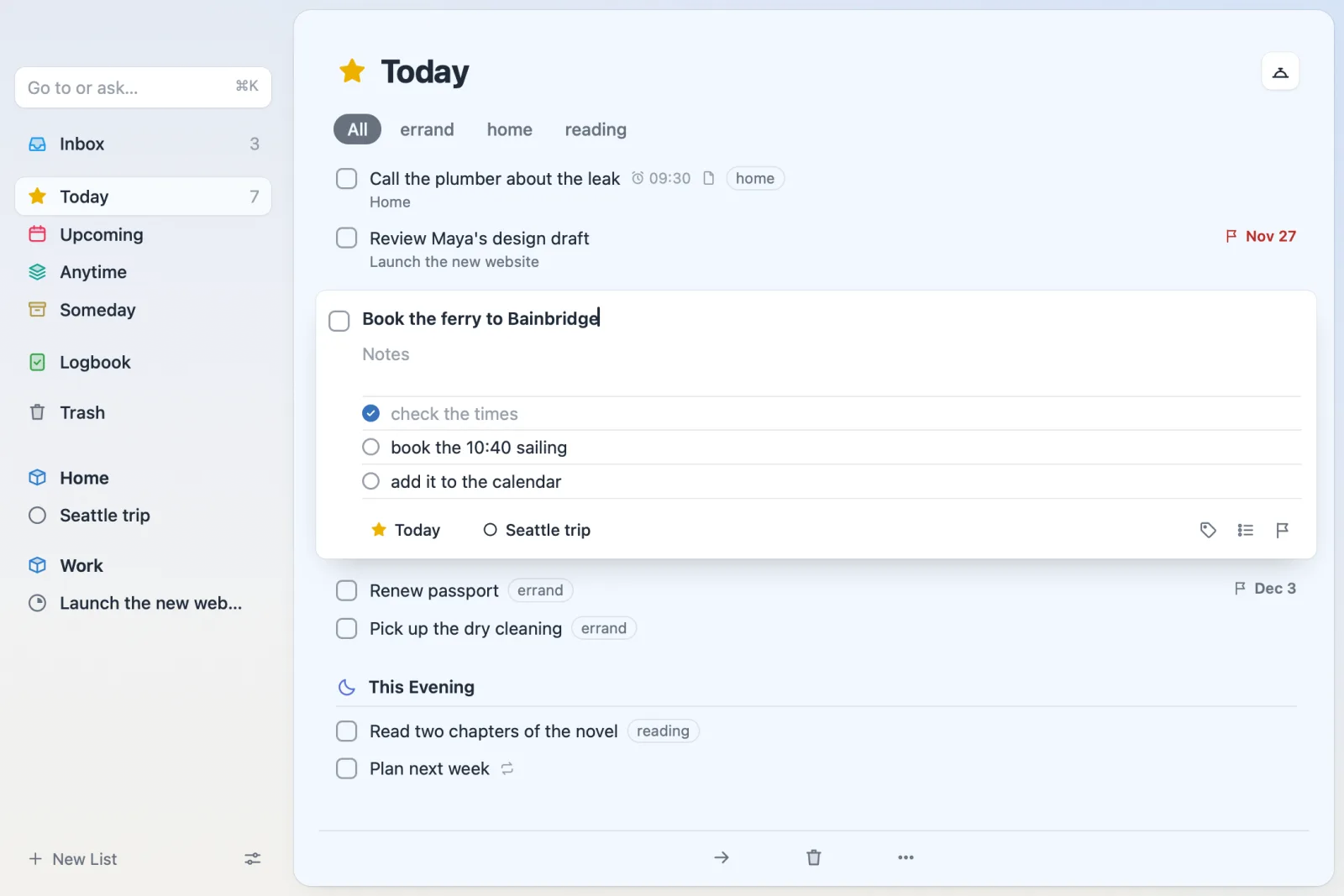
Every to-do is a file you can read.
No server and no account. A to-do is a Markdown file named after its title, in ~/Sebastian or the folder you choose. Edit it with anything and the app shows the change as it happens.
Put the folder where your other computers can reach it:
---
status: open
when: "2026-12-04"
project: seattle-trip
reminder: "09:00"
---
# Book the ferry to Bainbridge

- [x] check the times
- [ ] book the 10:40 sailing
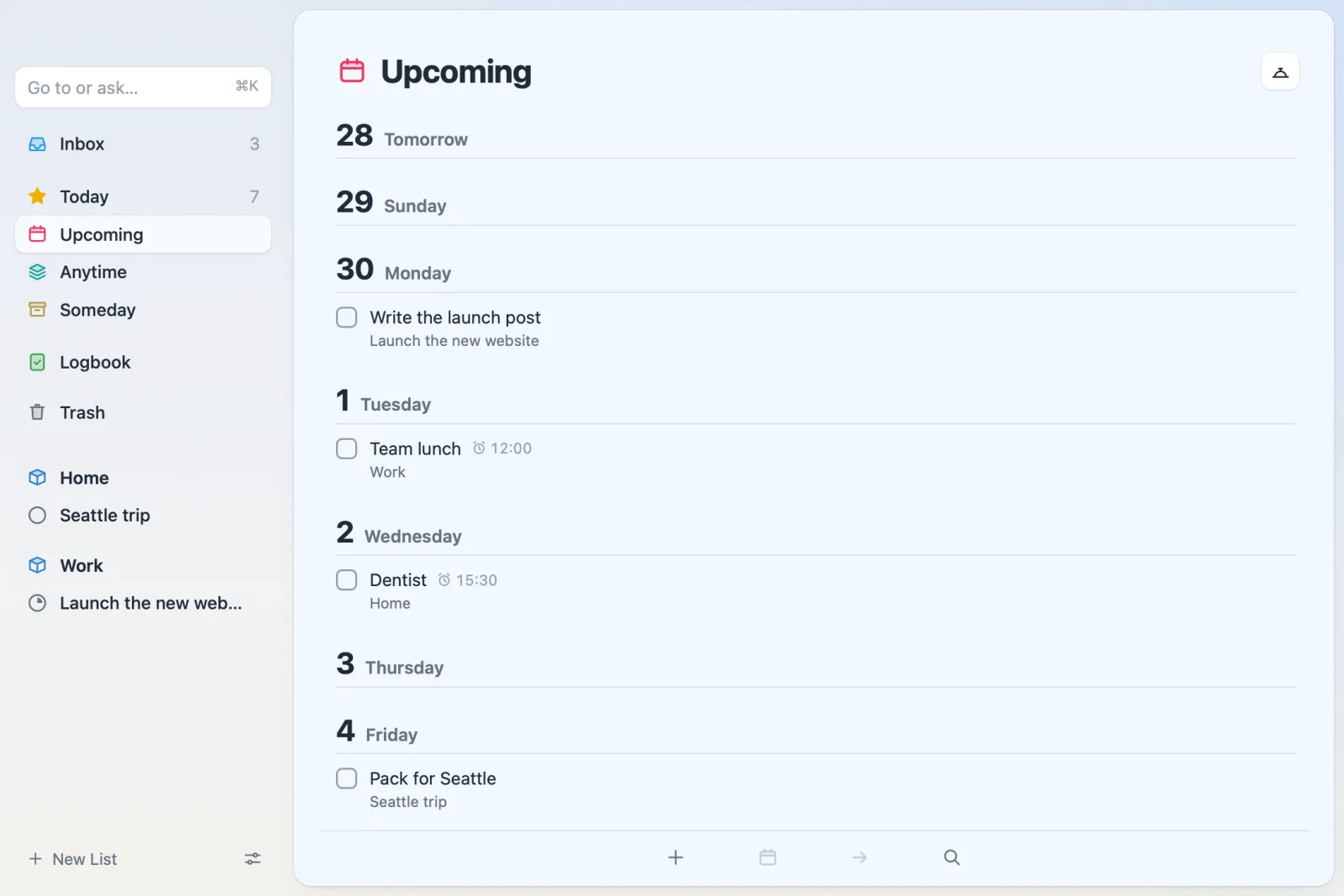
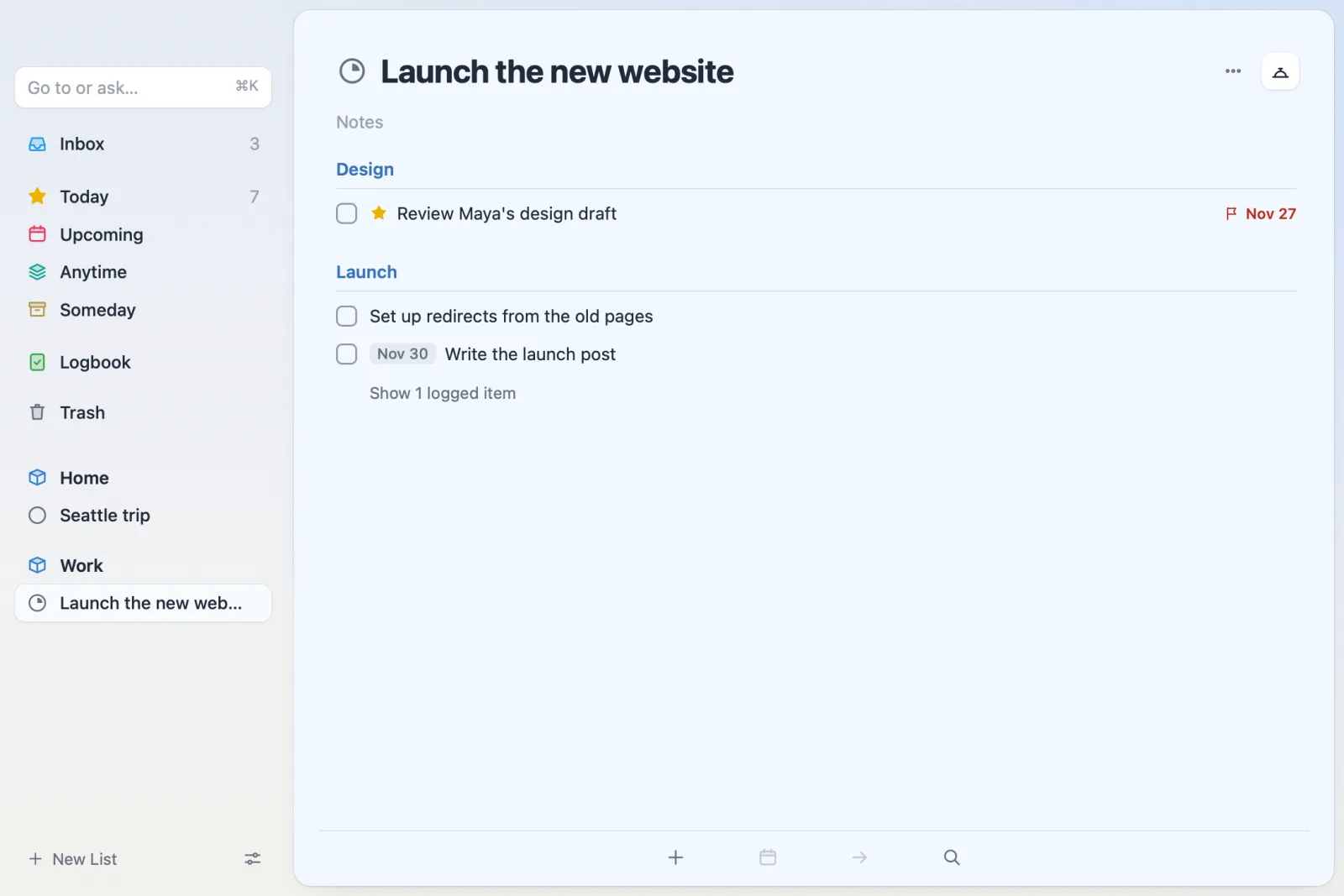
The lists
Today, what is coming, and the rest.
Your model, your key
Bring the model you already pay for.
Paste a key in Settings and pick a model. The key stays in the macOS keychain, and your to-dos go only to the provider you chose, only when you ask.
Claude Code, Codex and other agents get the same tools from the MCP server, with no key of its own:
claude mcp add sebastian -- sebastian-mcp -dir ~/SebastianInstall it with go install ./cmd/sebastian-mcp from the repository.
Take Sebastian on. It costs nothing.
MIT licensed. One app for Apple silicon and Intel Macs, signed and notarized by Apple, and it updates itself.
1. Open the DMG
Drag Sebastian to Applications and open it.
2. Choose the folder
This Mac, a cloud drive, or a private GitHub repository. Settings can change it later.
3. Or use the terminal
Installs the latest version, its signature checked:
curl -fsSL https://sebastian.lzhgus.com/download/install.sh | sh